Hey Curators!
We’re excited to bring a present full of goodies to Twitch Drops for our anniversary here at Two Point Studios, packed full of goodies for Two Point Museum.
Celebrate our birthday in style, with some throwback items available as Twitch Drops. To earn Twitch Drops, watch your favourite streamers until 16th July to grab these drops celebrating our birthday.
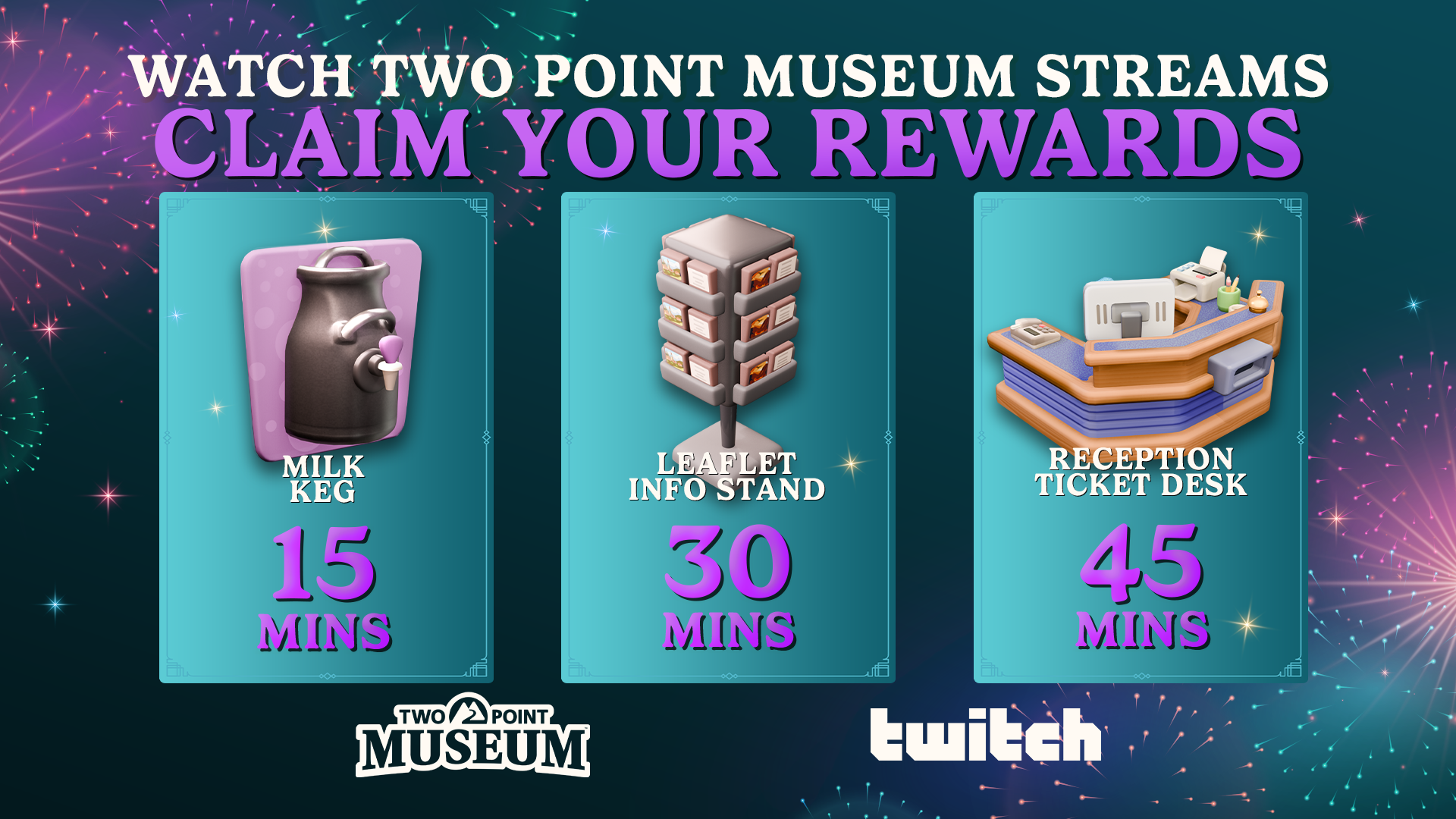
Watch your favourite streamers from now until 16th July 2026 to grab this lovely collection, celebrating Two Point Studios turning ten this month.
At any point, you can check your inventory at Twitch to see if you have the drops.
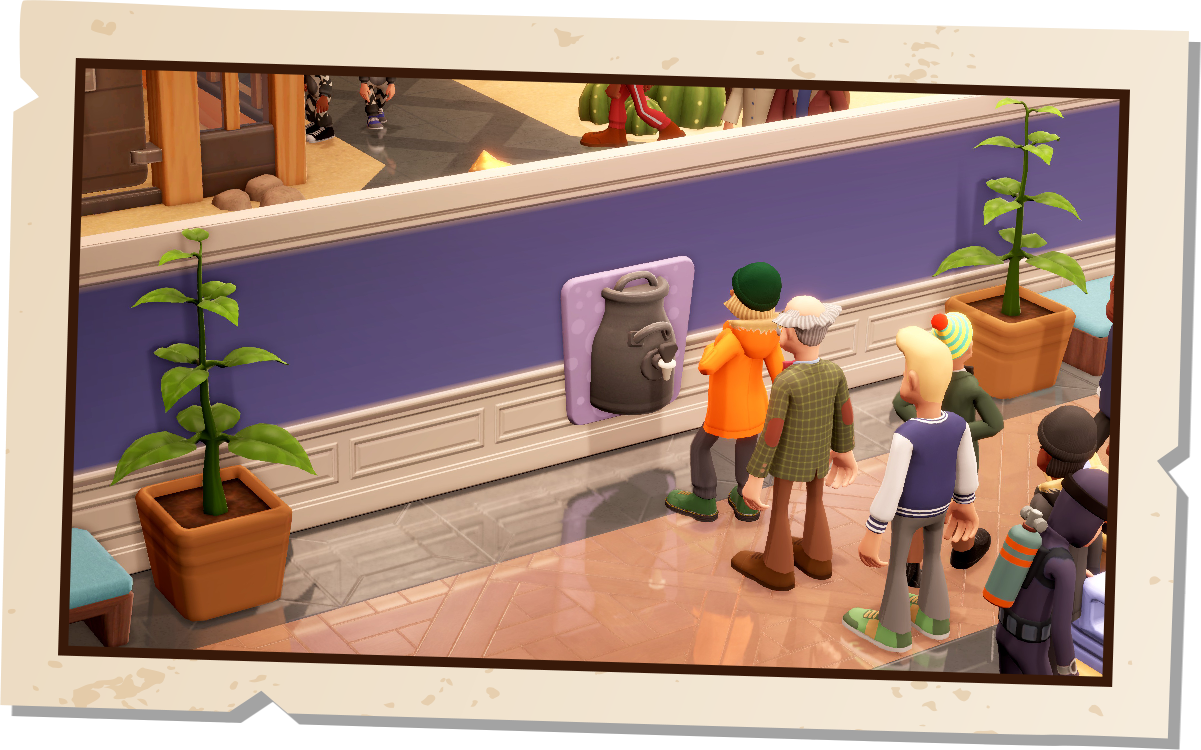
Watch 15 minutes to earn the Milk Keg, an item you might remember from your campus days. The Milk Keg is a wall-mounted unit that meets guests’ Drink need.
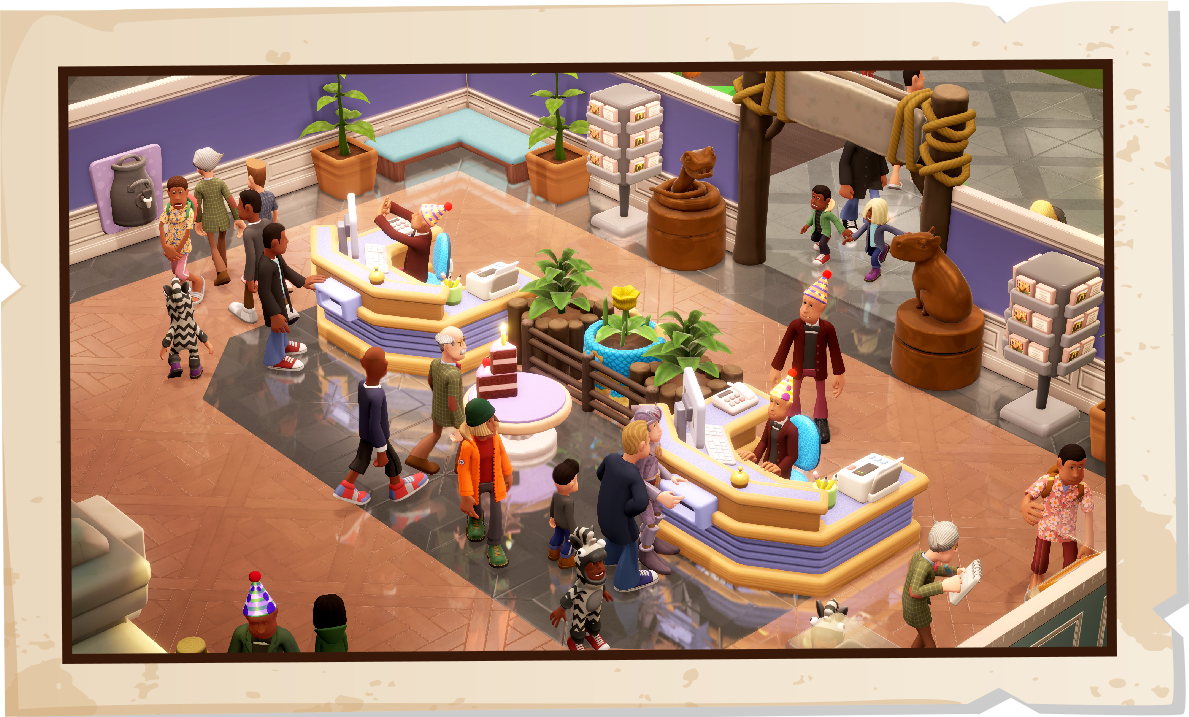
After 30 minutes, you unlock the Leaflet Info stand, reminiscent of the leaflets in Two Point Hospital. This item will inform your guests all about your wonderful exhibits. And last but not least, by watching for 45 minutes, you’ll unlock the Ticket Reception, a throwback to our roots in the hospital again. This works just like a normal ticket desk.
Drops not turning up?
Try hitting the 'Refresh' button here: https://account.community.twopointcounty.com/account/link-account
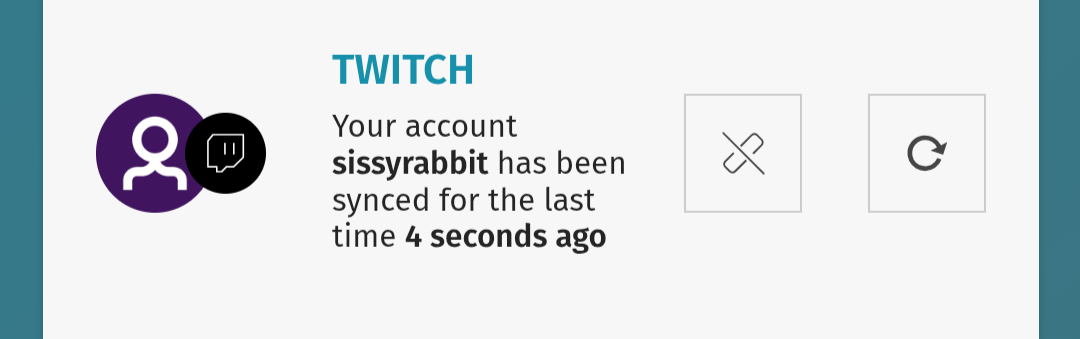
It can take a little while for the Drops to come through, so please be patient.
For the Streamer – Providing the Drops
Head to the Twitch Creator dashboard, then Viewer Rewards.
Under Viewer Rewards, find the “Drops” Section.
Make sure the Enable drops is switched on
Set your Game Category to Two Point Museum, so viewers can earn items whilst watching!
For the Viewer – Connection to Earn the Drops
Sign up for Two Point County
Head here: https://account.community.twopointcounty.com/account/link-account
Select Connect next to the Twitch logo.
Log in to Twitch and confirm the connection.
Upon returning to County Pass page, the Twitch section will have a connection.
You can now watch Two Point Museum on Twitch to earn the drops!
For the Viewer - Receiving items In-game
Launch Two Point Museum.
On the main menu, underneath the settings, select the Two Point County Logo (it looks like two mountains)
Log in to your Two Point Account.
When you enter a level, you will now have the Twitch items you have earned.